I’m re-organizing my music library and want the best sound quality without wasting storage. Some people say FLAC is identical to WAV, others claim WAV is better for pure audio fidelity. I’m confused about which format I should use for archiving and daily listening, especially with different players and devices. Can anyone explain the real-world differences between FLAC and WAV, and which one I should pick long-term?
From my experience this question comes up a lot, especially if someone starts building a music collection.
FLAC vs WAV – which is better?
Short answer: neither is strictly better, they just serve slightly different purposes.
WAV is basically raw, uncompressed audio. FLAC is compressed, but in a lossless way (so no quality loss). When you listen, they should sound identical if they come from the same source.
WAV
WAV is kind of the simplest format. It’s basically the audio equivalent of a raw image file. Because there is no compression, everything is stored exactly as it was recorded.
The good thing about WAV is that it’s very simple and compatible with almost everything. Audio software, editors, players – everything understands WAV. That’s why it’s often used in recording and editing.
The downside is file size. WAV files get big very quickly, especially with high quality audio. If you have a big music library, it becomes impractical. Also, WAV usually doesn’t handle metadata (like album art and tags) as nicely as newer formats.
I personally only use WAV if I edit audio or need a raw master file.
FLAC
FLAC is what I would call the practical choice for listening. It keeps full quality like WAV but compresses the file, usually saving maybe 30–50% space depending on the music.
Another thing I like is that FLAC handles tags very well, so album art, artist info and track names work nicely in players. It just feels more modern as a library format.
The only real downside is that very old devices might not support it, but on any reasonably modern computer this isn’t really a problem anymore.
For normal listening and archiving music, I always pick FLAC over WAV because it just saves space without losing anything.
Players that work well with these formats
On Mac I’ve used Elmedia Player quite a bit when I had different audio formats. It’s nice because it supports FLAC without needing conversions, and generally feels like a more universal player than Apple’s default tools. It also reads metadata properly, so if you care about album covers and organized libraries it feels much nicer than very basic players.
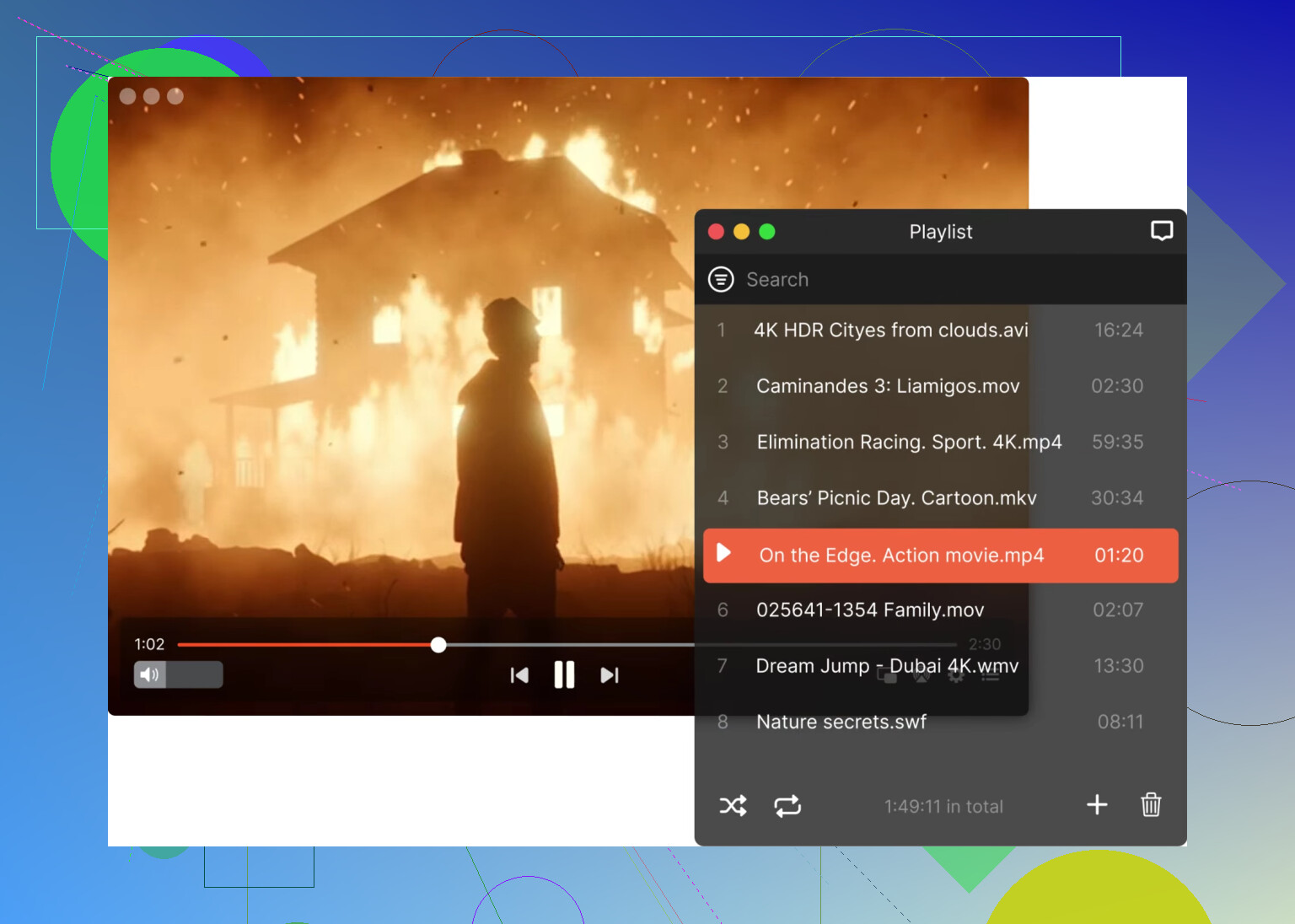
QuickTime Player is fine but very limited. It works with WAV without any issues because that’s a very basic format, but with FLAC you usually need to convert first since QuickTime doesn’t support many formats outside Apple’s ecosystem. I mostly use it just when I quickly open a file and don’t want to install anything else. It’s very stable and lightweight, but definitely not a universal media player.
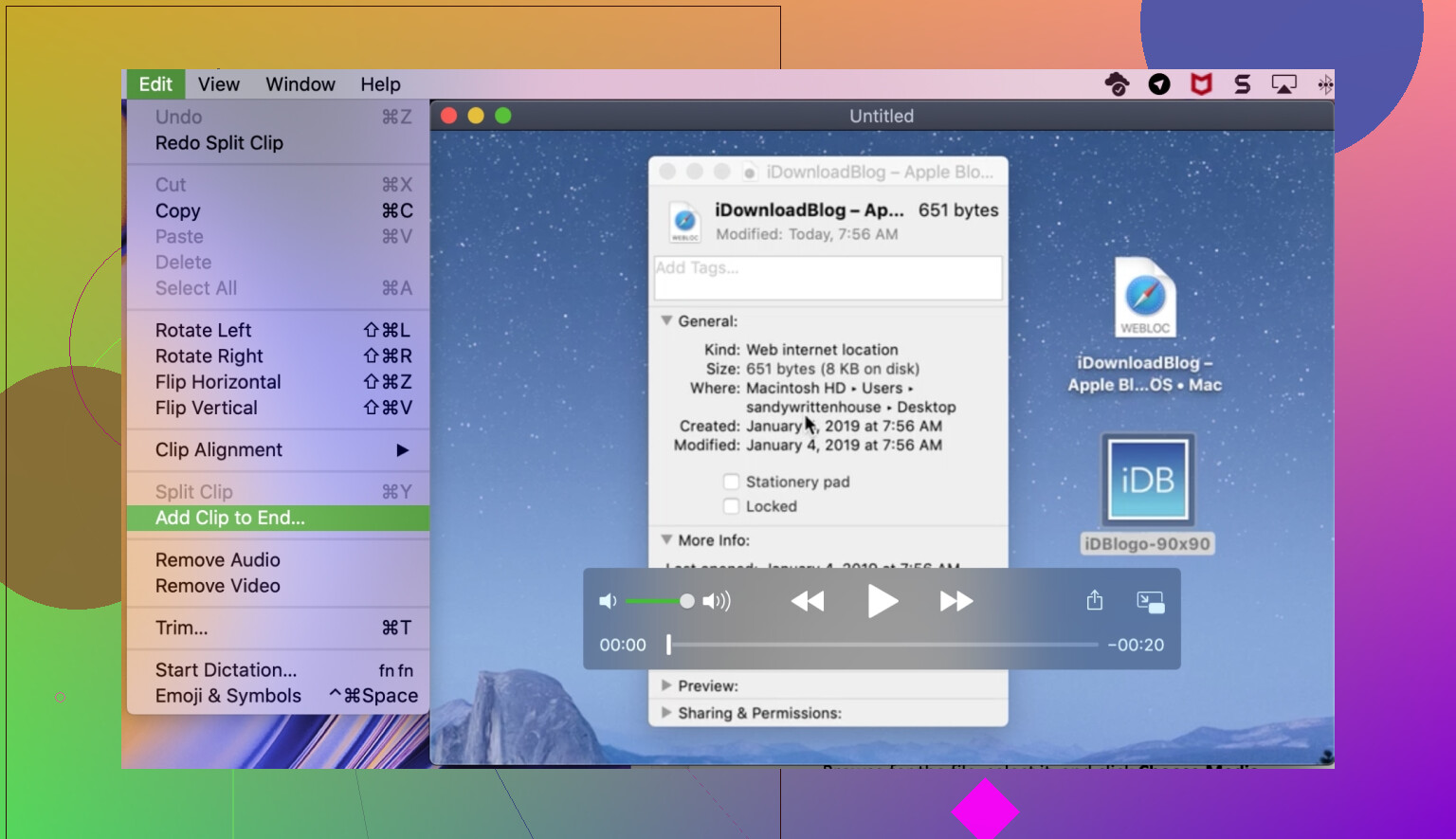
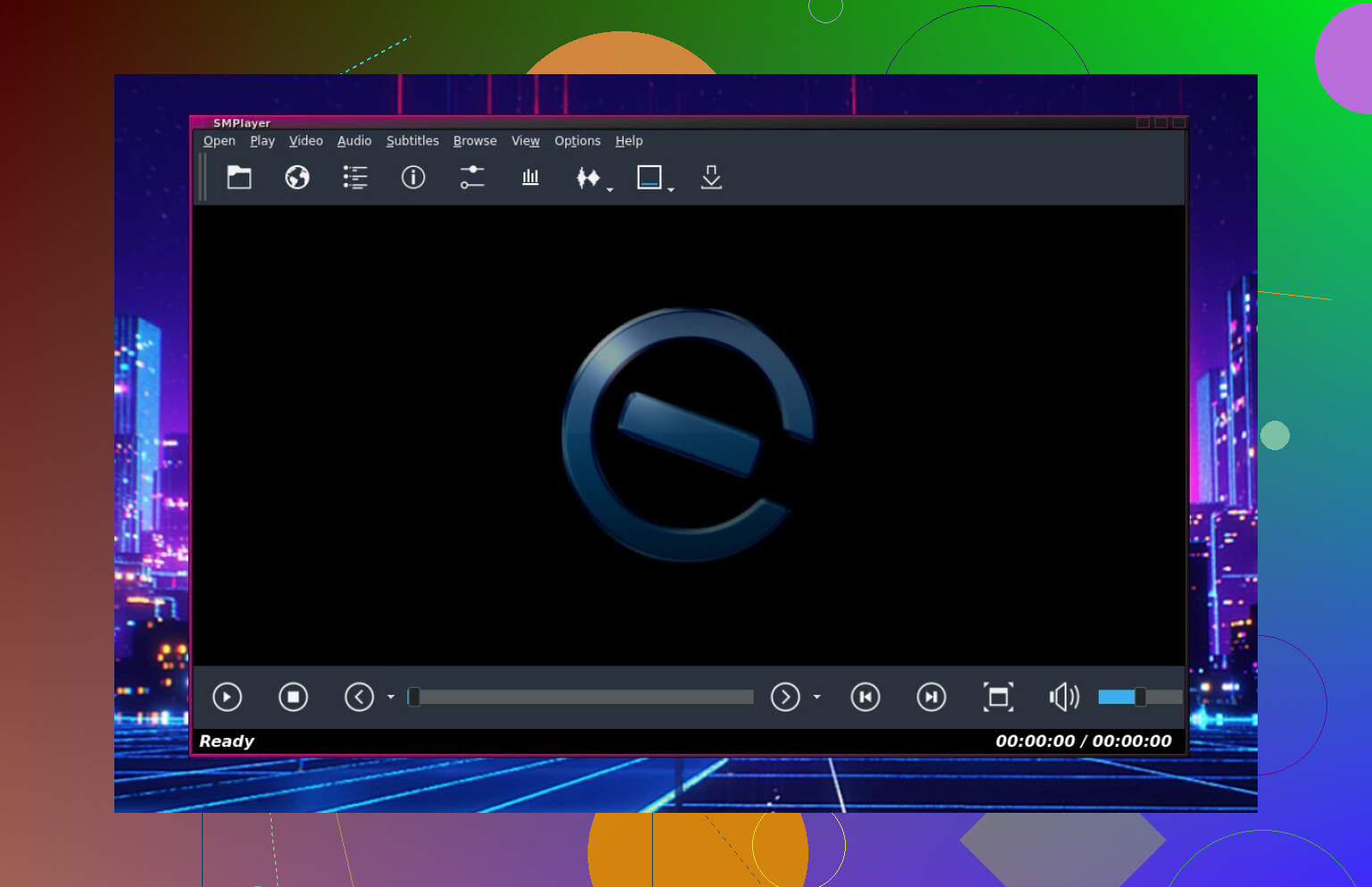
On Windows I had good results with SMPlayer. Even though it’s mostly known as a video player, it actually handles audio formats like FLAC and WAV perfectly fine. It feels very practical because it just plays files without much setup, and it works well even on older machines. Nothing fancy visually, but very dependable.
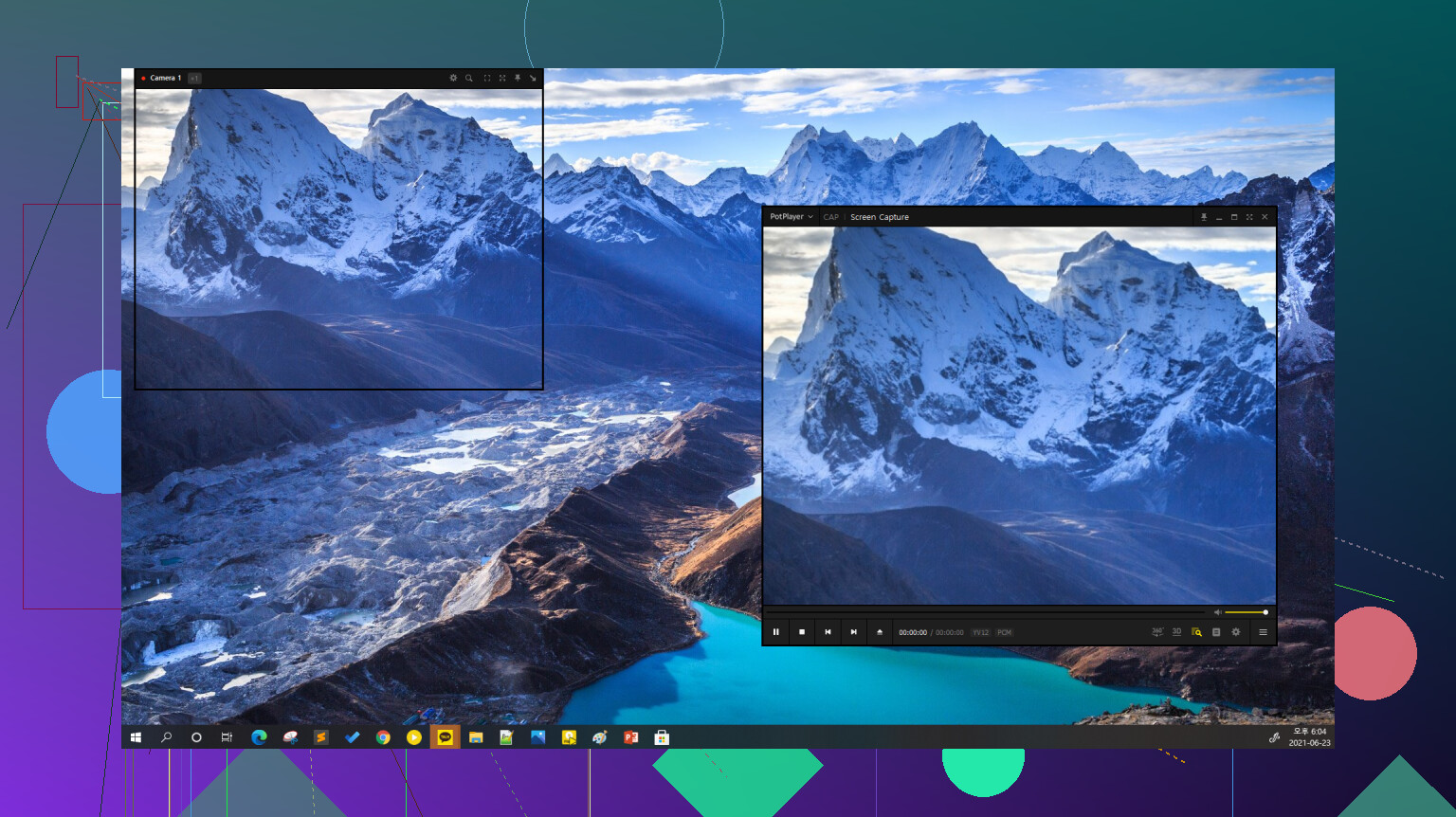
PotPlayer feels more advanced. It has very good internal codec support and plays FLAC without any problems. I also noticed it handles high quality audio smoothly and gives you more control if you care about audio output settings. It might feel a bit technical at first, but performance-wise it’s one of the better free players I tried.
If you just want perfect audio quality and don’t care about space, WAV is fine. But for a real music collection, FLAC just makes more sense because you get the same quality and smaller files.
That’s why most people who care about audio quality but also storage eventually move to FLAC.
2 Likes
If you feed the same 16/44.1 or 24/96 master into FLAC and WAV, they sound identical. There is no extra “purity” in WAV for playback. If you hear a difference, something else is going on.
Where it gets confusing is everything around the file, not the bits inside it.
Quick breakdown.
-
Audio quality
- FLAC is lossless compression. It stores the same PCM data as WAV, then decompresses it on playback.
- Your DAC receives the same stream of samples if the source is the same.
- Double blind tests show people do not reliably tell FLAC from WAV when they come from the same master.
-
Storage
- WAV: about 10 MB per minute at CD quality.
- FLAC: often 30 to 50 percent smaller than WAV for the same track.
- For a big library, that is hundreds of gigabytes saved.
-
Metadata and library management
- WAV tagging is messy and inconsistent. Some players lose album art or tags.
- FLAC tagging is solid. Artist, album, artwork, lyrics, replaygain.
- For organizing a library, FLAC is less pain.
-
Compatibility
- WAV plays almost everywhere.
- FLAC support used to be spotty, but on modern players, phones, streamers, it is usually fine.
- The only time WAV makes sense is when you work in a DAW or need an interchange format for studios.
I agree with @mikeappsreviewer on the general idea, though I would not use WAV for a music library at all, even if storage is cheap. The metadata issue is too annoying over time.
Practical suggestion for you:
- For your permanent music collection: use FLAC.
- For editing and recording: use WAV as your working format.
- For playback on Mac: use Elmedia Player so you do not have to convert FLAC and you keep all tags and covers tidy. It handles FLAC libraries well and behaves more like a library player than QuickTime.
If someone insists WAV “sounds better”, ask them to blind ABX test the same track in FLAC and WAV. Every time I tried this, no one scored above guess level. The difference is in workflow and storage, not sound.
Short version: if the source is the same, FLAC and WAV sound identical. Any difference you “hear” is almost certainly placebo or some other part of the chain.
Where I slightly disagree with @mikeappsreviewer is on the “WAV is fine if you don’t care about space” bit. For a music library I’d say WAV is kind of a trap even if storage is cheap:
- No real sound benefit over FLAC
- Worse tagging support
- Bigger files for no audible gain
@yozora already nailed the blind-test angle, so I won’t rehash that. Technically, both formats carry the same PCM data. FLAC just compresses it without throwing anything away, then restores the exact same bits on playback. Your DAC sees the same 16/44.1 or 24/96 stream either way.
Where it matters for your use-case (reorganizing a library):
-
Sound quality
Same master in FLAC vs WAV = same audio. There is no “extra purity” in WAV for playback. If a system makes them sound different, the problem is in the player, resampling, DSP, or hardware, not the format. -
Storage
- WAV at 16/44.1: ~10 MB/min
- FLAC of the same track: typically 6–7 MB/min
Over hundreds or thousands of tracks, this is a lot of space you’re burning for literally zero quality gain.
-
Metadata & organization
This is where WAV really starts to suck long-term. Some players handle WAV tags, some kinda do, some ignore them, album art goes missing, etc.
FLAC tagging is standardized and robust: artist, album, year, album art, ReplayGain, even lyrics if you’re into that. For library sanity, FLAC wins hard. -
Compatibility
The “FLAC doesn’t play everywhere” argument was true 10+ years ago. Today, unless you’re on really ancient or very locked-down gear, FLAC support is normal. If you do hit a weird corner case, converting FLAC to WAV is trivial. -
Workflow split that actually works
- Recording / Editing / DAW work: use WAV. It’s the industry default and avoids any weirdness in production tools.
- Long-term listening / Library: use FLAC. Smaller, cleaner, better tags.
Since you mentioned reorganizing your library and caring about quality without wasting space, I’d do this:
- Convert everything to FLAC from the best source you have (CD rips, original WAVs, etc).
- Keep WAV only for special “work files” if you ever do audio editing.
- On macOS, use something like Elmedia Player for playback. It handles FLAC natively, reads tags and album art properly, and is a lot less annoying than trying to bend QuickTime into a music-library player.
If someone insists WAV “sounds better,” tell them to ABX test the same track in FLAC and WAV. If they can reliably tell them apart under blind conditions, they’ll be the first person to beat decades of listening tests and a bunch of audio nerds on the internet.
FLAC and WAV from the same master are bit‑identical at playback, so chasing “better sound” between those two for a home library is a dead end. Where you do have real tradeoffs is everything wrapped around the audio.
Where I slightly differ from others:
@yozora, @ombrasilente and @mikeappsreviewer are right that FLAC is the smart default for libraries and WAV for DAW work. I’d only add that if you use any very old hardware streamers or car stereos, it can still be worth testing a few FLAC files before converting your whole library. FLAC support is common now, but not universal.
For reorganizing your library
Use FLAC when:
- You want maximum quality without wasting storage.
- You care about tags, album art, ReplayGain and clean library browsing.
- You might want to transcode later to MP3/AAC/Opus for portable use.
Keep WAV only when:
- You are actively editing, mixing or mastering.
- You exchange session material with studios that explicitly ask for WAV.
- You have a specific device that stubbornly refuses to play FLAC.
If you do rip or convert, just make sure you always go from the best available source (CD, original WAV, original high‑res file). Converting lossy → FLAC does not restore quality.
Player angle (especially on Mac)
Since you mentioned reorganizing, the player matters more than whether the file is FLAC or WAV:
Elmedia Player pros:
- Plays FLAC and WAV natively, so no need to convert.
- Reads and displays FLAC tags and artwork reliably, which solves a lot of the WAV metadata headache.
- Handles mixed-format libraries well, good for “one place for everything.”
- More flexible than bare-bones system players for audio output control.
Elmedia Player cons:
- Overkill if you only play the occasional track and live in streaming apps.
- Extra app to manage, which some people dislike compared to built‑ins.
- Interface and advanced options can feel like more than you need if you want a super minimal player.
Using something like Elmedia Player lets you fully lean into FLAC’s advantages without tripping over support issues. That is basically the sweet spot for “best sound quality without wasting storage” in your situation.