I accidentally deleted important GoPro footage from my SD card before backing it up, and now I’m trying to figure out if recovery is still possible. The videos were from a trip I can’t recreate, so I really need help with the best GoPro recovery methods, SD card recovery tools, or steps to avoid making the data loss worse.
I’ve been there, and yeah, losing GoPro clips can wreck a whole day fast, especially when it’s from a trip or a shoot you’re not repeating.
The first move is simple. Do not make it worse.
Do this first
Stop using the SD card right now.
Don’t film anything new on it. Don’t format it. Don’t run random repair apps. Deleted or formatted GoPro footage often stays on the card until new data lands on top of it. Every extra write cuts your odds.
Before I touched recovery software, I’d check the obvious stuff people skip:
- GoPro cloud storage, if your subscription is active and Auto Upload was on.
- Trash or Recently Deleted in your GoPro account.
- Whether the camera itself offers to repair the file after you put the card back in.
- A different card reader, USB port, or another computer.
- Whether the card shows up in Disk Management on Windows or Disk Utility on Mac.
If the card never shows up anywhere, keeps dropping connection, or looks physically damaged, I would stop there and go to a recovery shop. DIY stuff tends to waste time in those cases.
Why GoPro footage is harder than photo recovery
A lot of people treat video recovery like photo recovery. It isn’t the same job.
GoPro cameras often write video in chunks scattered across the card. After deletion or formatting, many recovery apps find pieces of the file but fail when it’s time to rebuild the whole thing. You end up with an MP4 file name, maybe even the right size, and it still won’t open. Or it plays halfway, then dies.
That’s why GoPro recovery has always been a weird little corner of data recovery.
For a long time, people leaned on tools like GoProRecovery and CnW Recovery. Those are gone now. Their video rebuilding approach ended up inside Disk Drill’s Advanced Camera Recovery mode, and from what I saw, that’s the part still maintained.
What I’d try first
If the GoPro card was deleted, formatted, or got hit with file corruption, I’d start with Disk Drill and use Advanced Camera Recovery.
The difference here is important. A normal scan looks for deleted files. This mode tries to rebuild fragmented camera footage into something playable. For GoPro video, that matters a lot more than people think.
The steps are plain enough on Windows and Mac:
- Take the SD card out of the GoPro.
- Plug it into your computer with a card reader.
- Open Disk Drill.
- Pick the memory card.
- Select Advanced Camera Recovery.
- Run the scan.
- Preview the videos it finds.
- Save recovered files to a different drive, not back to the same card.
The preview part matters. I liked being able to check whether the recovered clip was playable before saving a pile of junk files.
If the card feels unstable, do a byte-to-byte backup first. Scan the backup, not the original. I do this any time a card acts flaky. Less stress on the card, and you still have a full copy to work from if the first pass goes bad.
When I’d stop and call a pro
Software recovery does fine with accidental deletion, quick format jobs, and a lot of logical corruption cases.
I’d hand it off to a recovery service if any of this is going on:
- The card is physically damaged
- No computer detects the card
- The card disconnects during scanning
- The camera shows hardware-related SD errors
- The footage matters enough that you can’t risk a bad DIY attempt
Those cases usually need hardware tools and lab work, not desktop software.
If this was a delete or a quick format, your odds are still decent. I’ve seen those recover cleanly when the card wasn’t used much afterward. If nothing new got written over the missing footage, there’s still a fair shot at getting it back. typo aside, the main thing is speed. Stop using the card and work from there.
1 Like
Yes, recovery is still possible if you stopped using the card fast enough.
I agree with @mikeappsreviewer on the big point, stop writing anything to that SD card. Where I differ a bit is this. I would not spend too long testing the card in diff rent devices if the footage matters a lot. Every extra mount, scan, and camera retry adds stress, esp on a weak card.
What I’d do next:
-
Make an image of the card first.
If your computer reads it, clone the full SD card to an image file and work from that copy. On flaky cards, this matters more than jumping straight into recovery. -
Check if the clips were split.
GoPro often records long videos as multiple chapters, like GX010123.MP4, GX020123.MP4. People think footage is gone when one segment is missing and the rest is still there. -
Look for orphaned files and RAW recovery results.
Deleted GoPro clips do not always come back with clean names or folder structure. Search by file size and file type. Big .mp4 files with odd names are worth testing. -
Try a tool made for media recovery.
Disk Drill is one of the better picks for GoPro SD card video recovery, mostly because it handles camera media better than generic undelete tools. If normal file recovery fails, its deeper scan options are worth a shot. -
Test playback in VLC first.
Windows Media Player fails on damaged MP4s all the time. VLC sometimes plays partial files other apps reject. If a clip opens but stutters, remuxing it may save it.
One more thing. If the card was full and you shot even a few new clips after deletion, recovery odds drop fast. On flash media, overwritten blocks are gone. No trick fixes taht.
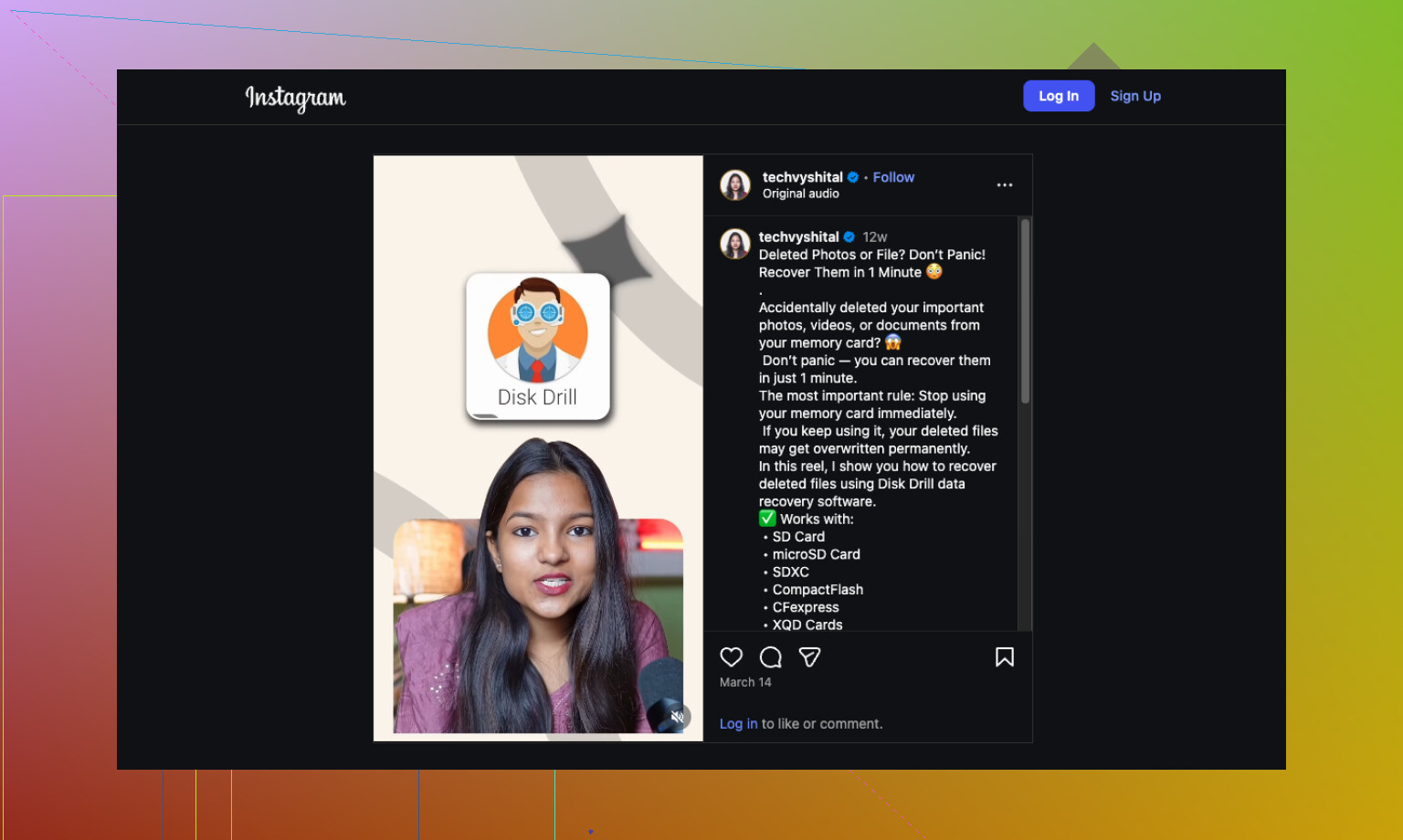
If you want a quick visual on memory card video recovery, this helps:
GoPro and memory card footage recovery tips
If the card is unreadable, asks to format, or drops offline during scans, skip DIY and send it to a lab. That’s the line where people make it worse.
If the delete happened recently, there’s still a real shot. I mostly agree with @mikeappsreviewer and @techchizkid, but I’d add one thing people overlook: sometimes the footage is “deleted” only from the index, while the actual video chunks are still sitting there. That means recovery can work even when the card looks empty.
What I would check that they didn’t really dig into:
- Put the card in a Linux machine if you can. Sometimes macOS/Windows gets weird with SD cards and Linux will read the partition more cleanly.
- Look for hidden folders like
MISC,DCIM, and any100GOPRO/101GOPROvariants. I’ve seen clips survive in odd folder states. - If recovered MP4s won’t open, try remuxing with ffmpeg instead of assuming they’re dead:
ffmpeg -i broken.mp4 -c copy fixed.mp4
That trick saves more “corrupt” files than people think. - Check file timestamps. GoPro chaptered files can make it seem like one giant clip vanished when only one segment got nuked.
I do disagree a little with jumping straight to a lab if the card is readable but unstable. If it still mounts, a careful image plus one solid pass with Disk Drill is reasonable before spending lab money. If it vanishes mid-read, yeah, then stop.
Also, if you need more examples from other people dealing with SD card video loss, this thread is worth skimming:
how people recovered videos after accidentally formatting an SD card
Short version: yes, GoPro recovery is possible, especailly after simple deletion. Best odds if you stopped using the card fast and recover to another drive, not back onto the SD card.
One angle missing from @techchizkid, @voyageurdubois, and @mikeappsreviewer: check the card’s health before trusting any scan result. If the SD card is throwing read errors, recovered files can look “found” but still be trash. On Windows, a SMART-style check is limited for SD cards, but even a slow full read test can tell you if the card is failing.
I also would not put the card back in the GoPro to see if it “repairs” anything unless you are okay with some risk. Cameras are not recovery tools. They sometimes rewrite metadata.
If the card is readable, make one image, then do recovery from that image only. After that, sort recovered files by size. Tiny MP4s are usually junk. The big files are your real candidates.
About Disk Drill specifically:
Pros
- Good at finding deleted camera media
- Preview is useful
- Can work from a disk image
- Better with fragmented video than many basic undelete apps
Cons
- Deep scans can return messy filenames
- Not magic if blocks were overwritten
- Can be slow on large cards
- License cost may sting if you only need one recovery
If Disk Drill misses playable clips, try a second opinion tool after imaging, not before. Different scanners carve different fragments. Recovery is possible, but the real decider is whether anything wrote to that card after deletion.