My iPhone storage keeps filling up even after I delete photos, apps, and messages. I’m seeing tons of ads for cleaner and booster apps that promise to speed things up and free space, but I’m worried they might be useless or even unsafe. Has anyone actually had real success with these, and which ones (if any) are worth trusting?
Most iPhone cleaner and booster apps do almost nothing useful. Some even do harm.
iOS already manages memory and background apps on its own. Third party “RAM boosters” do fake progress bars, close apps you did not need closed, then iOS reopens stuff and you lose battery for no gain.
Storage is where they help a bit, but only in specific ways:
• Finding duplicate or similar photos
• Finding giant videos
• Sorting big files and apps
They do not fix the “Other” or “System Data” issue and they do not override how iOS works.
Before installing anything, try these built in fixes:
-
Check where storage goes
Settings > General > iPhone Storage.
Look at the top bar. Photos, Messages, Apps, System Data.
Tap each section and delete from there. -
Clear Safari data
Settings > Safari > Clear History and Website Data. -
Messages cleanup
Settings > Messages > Keep Messages > 30 Days or 1 Year.
In Messages, tap a big conversation, tap the name at top, then “Info”, then check large attachments and delete videos and photos. -
Offload unused apps
Settings > General > iPhone Storage.
Turn on “Offload Unused Apps”.
iOS removes the app, keeps your data. Icon stays, you tap to reinstall when needed. -
Photos
Turn on iCloud Photos with “Optimize iPhone Storage” if you pay for iCloud.
Or move photos and videos to a PC, Mac, or external drive, then delete them from the iPhone and from Recently Deleted. -
Recently Deleted folders
Open Photos > Albums > Recently Deleted and empty it.
Open Files app, check Recently Deleted and empty it.
If you still want an app to help organize clutter, pick one that focuses on sorting, not “speeding up” the phone.
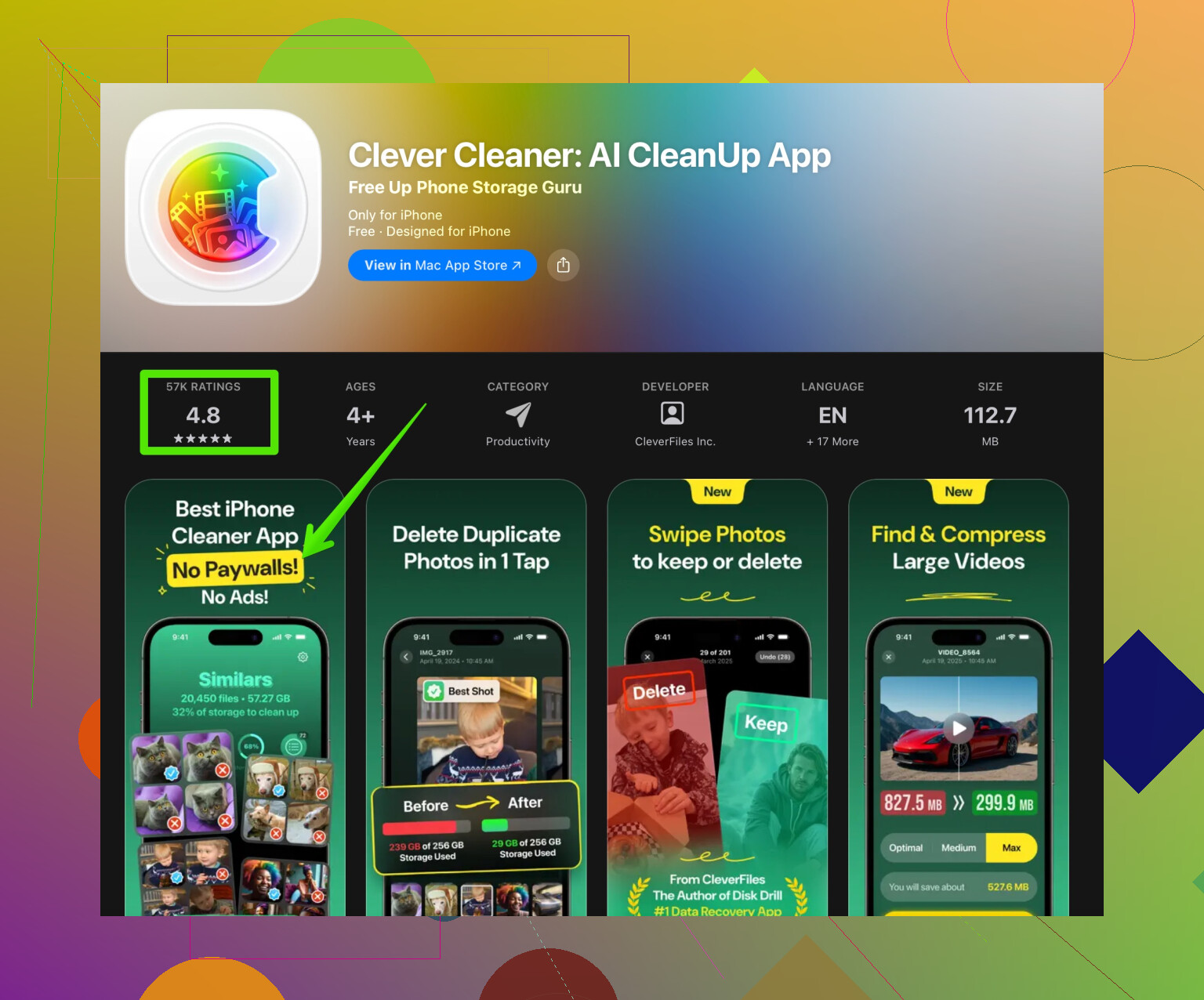
For example, Clever Cleaner App uses AI to group similar photos, screenshots, and videos so you prune faster. It helps when you have thousands of near-duplicates and no patience to sort them by hand. You can check it here:
smart iPhone storage cleaner with AI photo cleanup
Stuff to watch out for with any cleaner app:
• Aggressive ads and fake “virus” alerts
• Paid subscriptions with auto renew buried in tiny text
• Permissions to access things they do not need
Quick checklist for your problem:
- Delete large videos in Photos and Messages.
- Empty all Recently Deleted folders.
- Offload unused apps.
- Clear Safari data.
- If “System Data” is huge and will not shrink, back up to iCloud or computer, then erase and restore. That is the only reliable fix in many cases.
So yeah, most cleaner apps are more advertising than solution. Use iOS tools first, then a trusted cleaner like Clever Cleaner for sorting photos and junk if you want extra help.
1 Like
Short version: most “iPhone cleaner / booster” apps for speed are nonsense, but a few storage-focused ones can be useful as tools, not miracles.
@nachtschatten already covered the built‑in stuff really well, so I’ll skip repeating all those menus. I actually disagree slightly on one point though: some people really do benefit from a dedicated cleaner app, not because iOS can’t do it, but because they’ll never sit there tapping through albums, message threads, and random folders manually.
A few key things to understand:
-
Performance / “RAM booster” claims
- iOS is already aggressive at managing RAM.
- When a cleaner app “frees memory,” it usually just kills apps in the background. iOS then has to reload them, which can burn more battery and feel slower.
- Anything claiming to “overclock,” “turbo boost,” or “cool down your CPU” is basically marketing fluff.
-
Storage cleaners: what they actually can help with
Where these apps can make sense:- Sorting thousands of similar photos (bursts, 20 selfies in a row, screen recordings, memes).
- Quickly spotting huge video files and outdated screen recordings.
- Cleaning up random downloads / old files in a unified view instead of digging through each app.
They’re not magic wands for:
- “System Data” or “Other” taking tens of GB. That’s usually caches, logs, and leftovers that often need a backup + restore to truly fix.
- Fixing iOS bugs. No cleaner app can rewrite how iOS handles storage.
-
Where people get burned
This is where I’m a bit more cynical than @nachtschatten:- A LOT of these apps are basically dark patterns with a progress bar.
- “Free scan” that finds “threats” and then asks for a crazy weekly subscription.
- Fake virus warnings, pushy “Phone is at risk!” banners.
- Asking for way too many permissions for what they claim to do.
-
When a cleaner app does make sense for you
From what you wrote, you’re already deleting apps, photos, and messages, and storage still fills up. If you’re drowning in media and don’t want to micromanage, then a dedicated storage cleaner is worth a try as long as you treat it like a helper, not life support.One example: the Clever Cleaner App. It focuses on:
- Grouping similar / duplicate photos and videos with AI.
- Finding junk like old screenshots and blurred pics.
- Helping you batch-delete the stuff you’d never bother to sort manually.
If you’re curious, here’s a relevant link for smart iPhone storage cleanup with AI photo management.
It won’t fix iOS’s “System Data” mess, but it can seriously cut down the photo/video bloat. -
A clearer way to think about your situation
- If your bar graph in iPhone Storage shows Photos and Messages eating most space: a cleaner that helps find similar photos, giant videos, and old attachments can be worth it. Clever Cleaner App fits this use case.
- If System Data is the problem: no cleaner app is going to fix that properly. In that case, a full backup, erase, and restore is still the boring but effective route.
- If you’re hoping an app will “speed up” the phone: that’s basically placebo. Updates, free storage headroom, and battery health matter more.
So: are the cleaner apps useless?
- “Booster / speed / RAM” ones: yeah, almost always.
- Storage organizers: can actually be helpful, as long as you know their limits and avoid the scammy ones.