I’m thinking about installing this Ai Cleaner app but I’m seeing very mixed reviews online. Some say it speeds up their phone, others claim it causes issues or is basically useless. Can anyone share honest experiences, good or bad, and whether it’s really worth trusting this app?
AI Cleaner vs Clever Cleaner, my storage cleanup rabbit hole
AI Cleaner: Clean UP Storage App
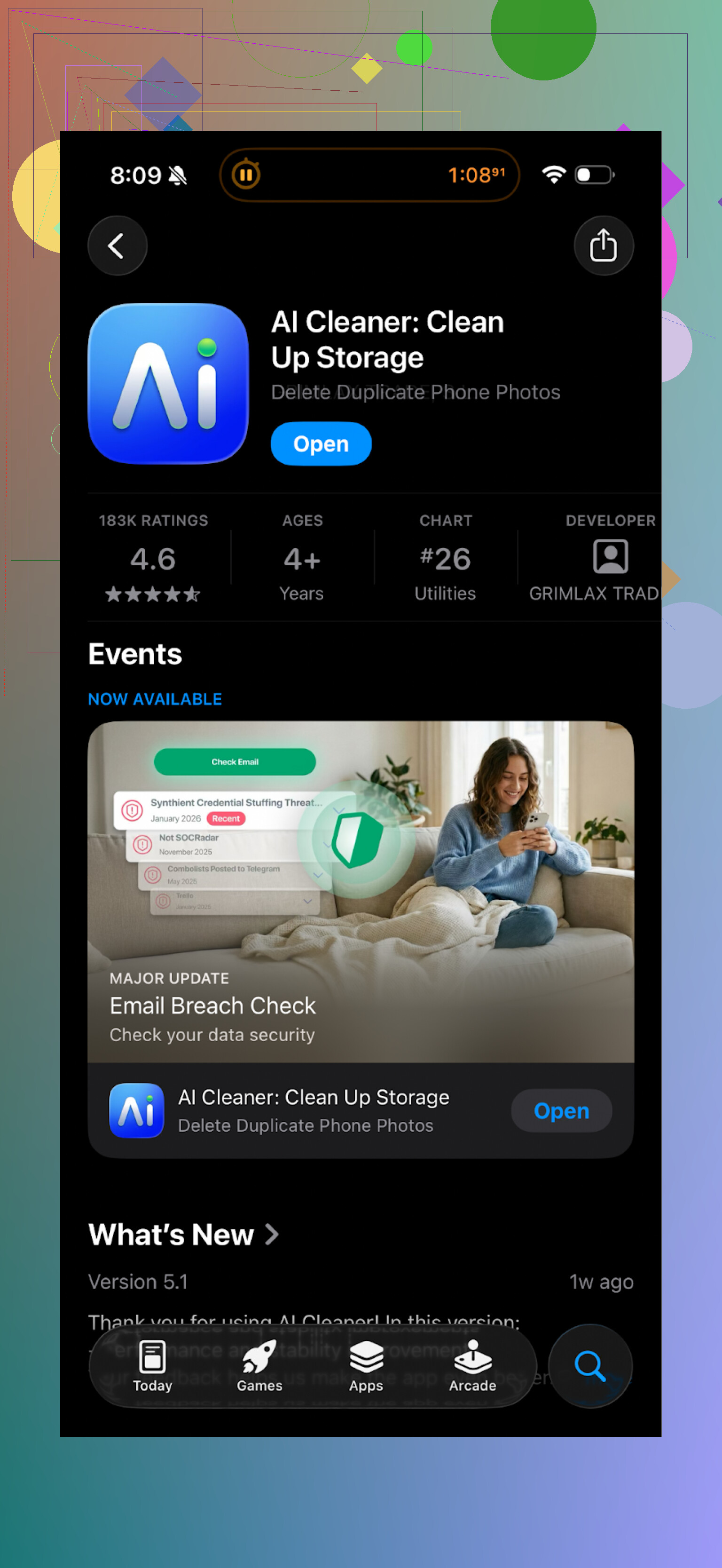
I tried AI Cleaner: Clean UP Storage App on my iPhone when I was running out of space before a trip. Looked decent on the App Store page, so I thought “whatever, I’ll give it a shot”.
First run felt ok. It scanned my storage, showed a nice colorful breakdown, lots of “AI” labels everywhere. Then I tried to do the actual cleanup and it went downhill.
Here is what bugged me:
- Most actions were locked behind a subscription wall
- Every couple of taps I got some sort of upgrade screen
- Deleting things felt like a pay-per-action situation
- The “AI” grouping for duplicate photos was unreliable
The duplicate detection is what annoyed me the most. It kept grouping photos that were obviously different. Example from my phone:
- Two pictures from the same walk, similar angle, but different people in them
- It flagged them as duplicates and preselected one for deletion
I had to go through each group to make sure it did not nuke keepers. That defeats the point of a cleanup app for me. If I still need to micromanage every decision, I might as well use the default Photos tools.
Also, the push to subscribe every time I tried to do anything meaningful was tiring. You start to feel like the whole “scan” part is just a teaser to get you into a paywall.
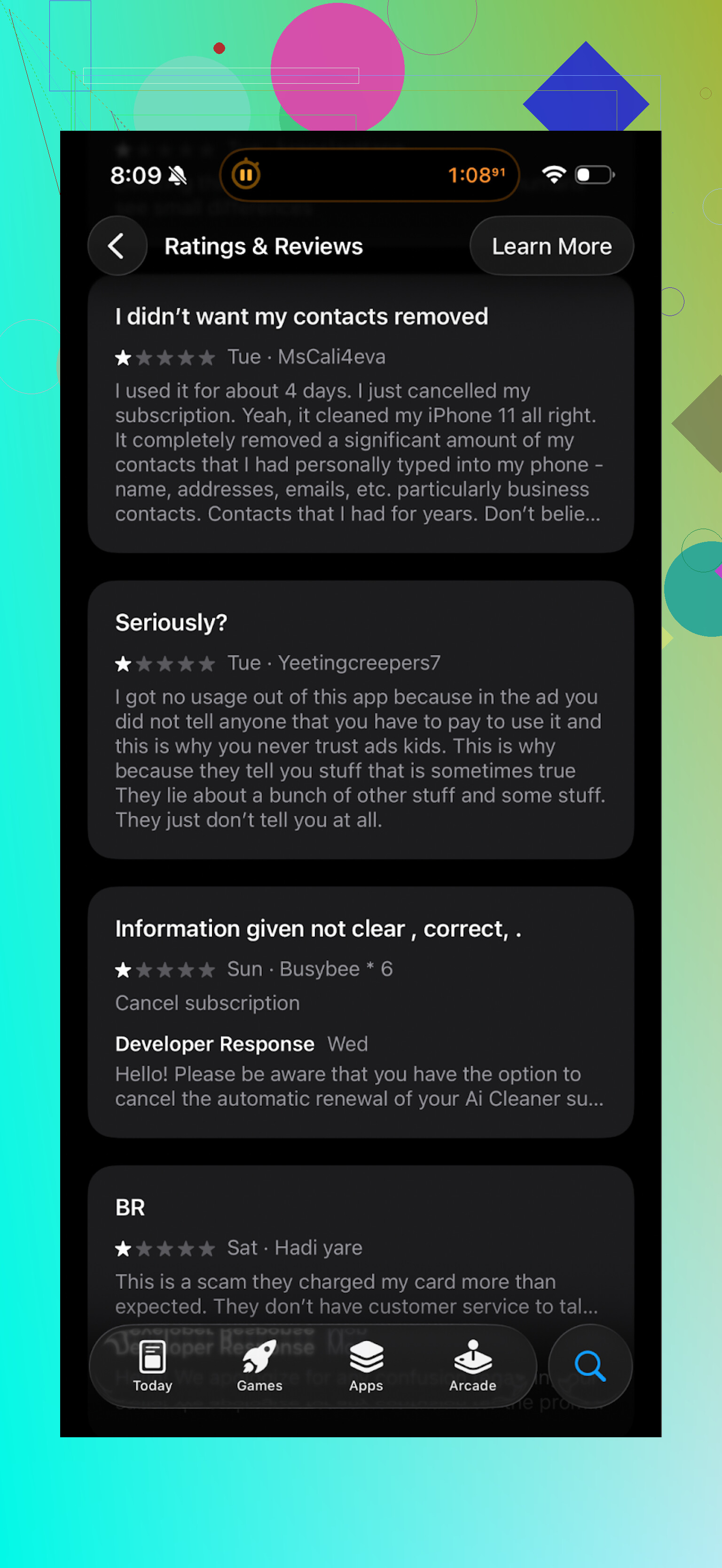
Here is one of the review screenshots from other users if you want receipts:
What I switched to instead: Clever Cleaner
After giving up on AI Cleaner, I tried this one:
Clever Cleaner on App Store:
Blink difference right away, it did not nag me for money every second tap.
What stood out for me:
- No paywall on core features
- No ads popping up mid-cleanup
- Interface felt more direct, fewer gimmicks
It scanned my storage and found:
- Duplicate and similar photos
- Old screenshots
- Big files buried in random chat folders
The “similar photos” part was surprisingly decent. It grouped those 10-shot bursts I take without thinking, and the groupings made sense more often than not. I still checked each group, but I was deleting 7 or 8 out of 10 in many cases.
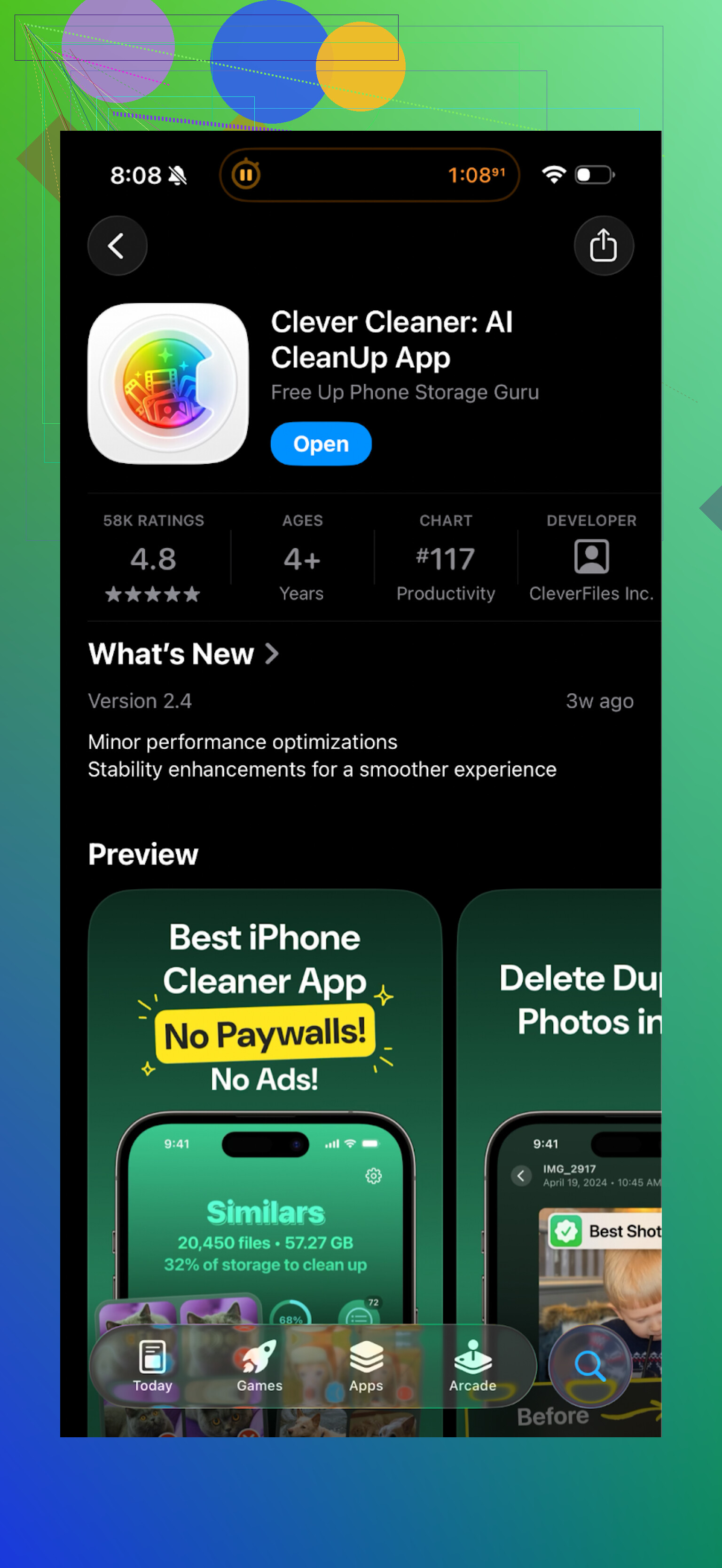
Here is the UI from my run:
Privacy side of it
The biggest plus for me, all the work stays on the phone. No uploads, no “cloud analysis”, no random server somewhere processing your camera roll.
If you are cleaning travel photos, documents, or anything personal, this matters. A lot of cleaner apps quietly send data out for “improvements” or “analytics”. I did not see that here. Processing felt local and fast.
How it compared to AI Cleaner on my phone
From my own use:
- AI Cleaner felt slower when scanning large libraries
- AI Cleaner pushed subscriptions constantly
- AI Cleaner mis-grouped photos enough times that I stopped trusting it
Clever Cleaner:
- Felt faster on my ~40k photo library
- Let me run full cleanup without paying
- Did not spam me with popups
- Gave more accurate suggestions for duplicates and similar photos
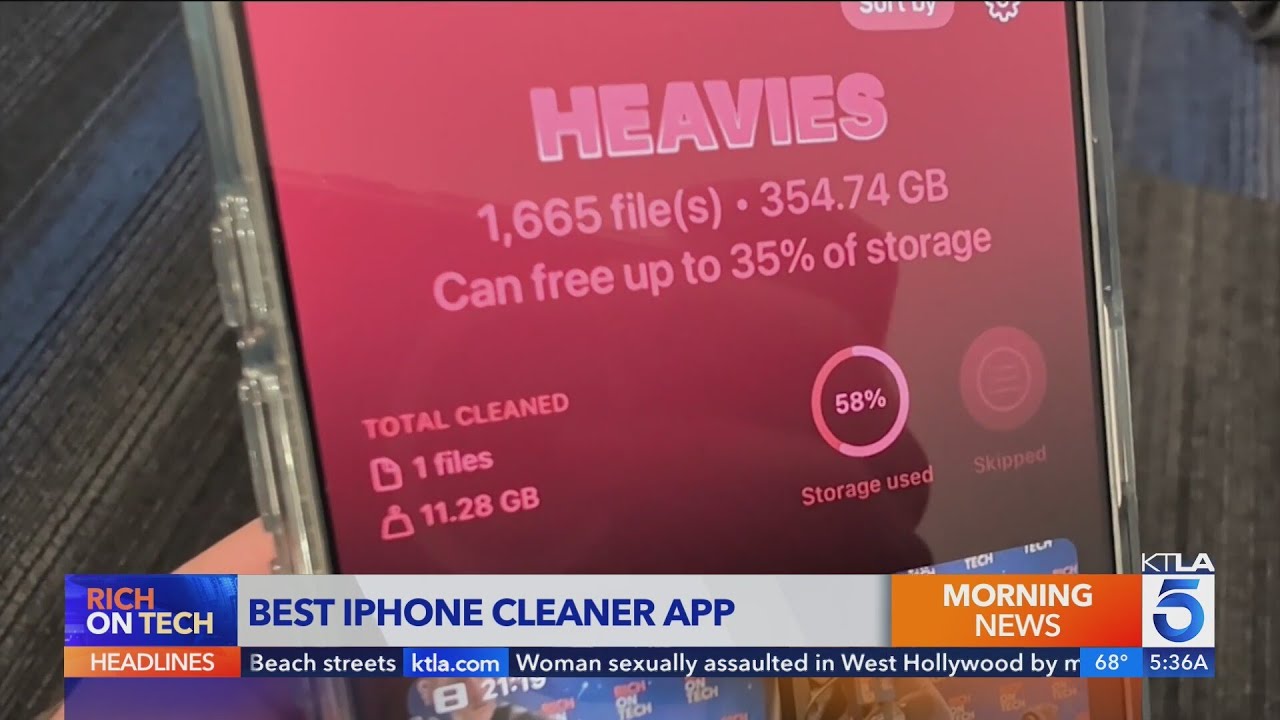
If you want to see it in action, there is a video review here:
Official Clever Cleaner page with more info:
App Store link again if you missed it:
Extra reading if you are picky with cleaner apps
If you are the type who reads Reddit before installing anything, there is a solid thread here about cleaner apps and why some of them are risky:
Best cleaner apps on Reddit:
https://www.reddit.com/r/DataRecoveryHelp/comments/1d733gm/best_iphone_cleaner_apps_and_why_you_shouldnt_use/
I read through that before deciding to keep Clever Cleaner on my phone. Lots of people in there explain why some cleaners are unsafe or fake, and why features like local processing and no hidden deletes matter.
My take after a week of use
If your goal is:
- Free basic cleanup
- No lock on the real tools
- No spammy upsells
- Local-only processing for photos
Then I would start with Clever Cleaner first. AI Cleaner looked nice at the start, but once I hit the paywalls and weird “AI” choices, I removed it and did not miss it.
1 Like
I tried AI Cleaner on my iPhone for a week on purpose, because of the same mixed reviews you saw.
My experience:
- Paywall and UX
- Free version felt cramped.
- Most useful actions sat behind subscription prompts.
- After each scan, it pushed the paid tier hard.
- It starts to feel like the scan exists to sell the sub, not to help you clean.
- “Speeding up” the phone
- On iOS, cleaning apps do not speed up the phone in any deep way.
- What they do is free storage and clear some cached junk.
- If you are almost out of storage, any cleanup app will make the phone feel less laggy, so some positive reviews are true, but not unique to AI Cleaner.
- Photo and duplicate handling
- Similar to what @mikeappsreviewer wrote, I saw wrong groups.
- It marked several non-duplicates as duplicates.
- It preselected photos for deletion that I wanted to keep.
- If you need to double check every group, you lose time and trust.
- I stopped using the “smart” suggestions and went manual, which kills the point of “AI” here.
- Stability and issues
- I did not hit full crashes, but:
- Scans on a 30k photo library felt slow.
- A couple of times the UI froze after mass select, needed a restart.
- No obvious malware behavior, but the privacy policy talks about analytics. I do not like that for a gallery cleaner.
- Is it useless
- Not useless. It finds big files, old screenshots, some duplicates.
- The problem is value. You give it access to your photos and storage, then fight paywalls and iffy AI. For a subscription, that feels off.
What I do instead:
-
Use Apple’s built‑in tools first
- Settings > General > iPhone Storage to spot big apps.
- Photos app > Albums > Duplicates for exact dupes.
- Sort messages by size and remove big threads.
-
For extra cleaning, I ended up on Clever Cleaner App too, but my take is a bit different from @mikeappsreviewer.
- I still do not trust any app with one‑tap “Delete all similar”.
- I use it only as a suggestion tool, then review everything.
- On my phone, Clever Cleaner App grouped burst photos and similar shots better than AI Cleaner and did not spam me with upgrade popups.
- I did not see core features locked behind a wall during normal use.
If you want something quick:
- If you hate subscriptions and nags, skip AI Cleaner.
- If your main goal is cleaning large photo libraries with some help, Clever Cleaner App is safer and more predictable.
- If you are paranoid about privacy, stick to iOS built‑ins and manual work.
Practical steps before you install anything:
- Check App Store “Privacy” section. Look for “Data linked to you” for identifiers and usage data.
- Read 1‑star reviews from the last 1–2 months. Look for patterns like “auto charged”, “hard to cancel”, “deleted my photos”.
- Install, test with a tiny batch first. Do not let any app delete hundreds of items in the first run.
- Cancel free trials right after you start them, so you do not forget.
If you already have AI Cleaner installed, I would limit it to scans and manual review, and avoid its aggressive auto clean options. For long term use, a mix of iOS tools plus something like Clever Cleaner App feels more practical and safer.
Short version: reviews for AI Cleaner are mixed because the app itself is mixed.
What I’ve seen & tested:
-
About the “speeds up my phone” claims
- On iOS, no cleaner app can magically tune the system.
- What they can do is free storage, which can make things feel less sluggish if you were almost full.
- So people saying “it sped up my phone” are really saying “I had no space and then I did.”
-
Why so many complaints
- Aggressive paywall. Similar to what @mikeappsreviewer and @andarilhonoturno described, most of the “good stuff” nudges you into a subscription pretty fast.
- The “AI” duplicate / similar photo detection is not trustworthy. False positives on important photos is a hard no for me.
- Some users report UI lag on big libraries, which matches my experience on ~25k photos. Not unusable, just annoyingly slow.
-
Is it actually harmful?
- I have not seen it behave like malware.
- Real risk is human: if you trust its “smart” suggestions too much and mass‑delete, you can lose photos you care about.
- Also, data collection in the privacy section is not my favorite for an app looking at your camera roll.
-
Where I disagree a bit with others
- I’m slightly less harsh than some 1‑star reviews. It does find large files, old stuff, etc. It’s not “completely useless,” just not worth a recurring sub for what it offers.
- If you’re super patient and manually verify everything, you can use the free tier to get ideas on what to delete. But at that point, it’s more of a visual report than a real “AI assistant.”
-
What I’d do in your shoes
- First, use Apple’s built in tools. They’re boring but safe.
- If you still want an app, I’d skip AI Cleaner as your first try, mainly because of the sub pressure and so-so smart grouping.
- If you’re curious about third‑party options, Clever Cleaner App is a more reasonable starting point:
- Less nagging about money in normal use
- Core features usable without immediately paying
- Similar / burst photo grouping feels more accurate
- Processing appears to stay on-device, which is a big deal privacy‑wise
TL;DR:
- AI Cleaner: not a scam, but heavily monetized and not smart enough to trust with one‑tap cleaning.
- If you try it anyway, turn off any auto-clean, test on small batches, and double‑check what it wants to delete.
- If you just want a practical cleaner with fewer headaches, look at Clever Cleaner App and combine it with the stock iOS tools.